
Skills Management
Build a highly capable workforce with a comprehensive skills matrix. Track competencies, manage training, and ensure your team has the right skills in the right place at the right time.
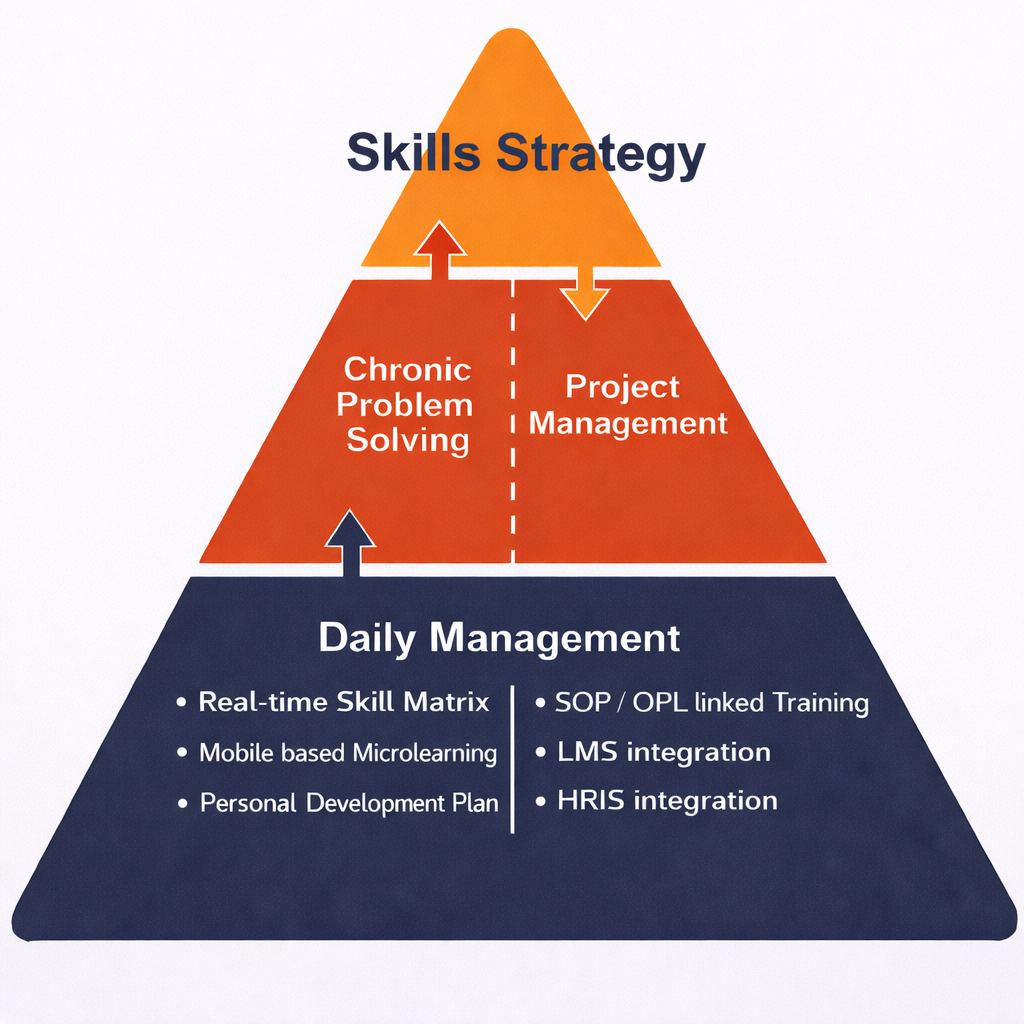
How Skills Management Works
A structured approach to building and tracking workforce capabilities
Create Roles & Skills
Set up roles like Production Operator, Team Leader, Quality Manager, then define the skills required for each role.
Assign Skills to Roles
Use checkboxes to map which skills are required for each role in your organization.
Add Roles to Team Members
Assign roles to team members and skills are automatically inherited based on role requirements.
Go Live
Activate skills to display in the Skills Matrix. Training events are automatically assigned to team members.
Key Features
Everything you need to build and manage workforce skills effectively
Role-Based Skills Assignment
Define roles across your organization and assign specific skills to each role. Automatically track skill requirements when team members are assigned new roles.
Training Event Integration
Embed training content directly into skills development with videos, quizzes, and instructional materials. Training events can be assigned per skill level for progressive learning.
Multi-Level Skill Tracking
Track skill development with multi-level progression represented by quadrant circles, or use single-level for compliance-style skills where you're either certified or not.
Skills Matrix Visualization
View your entire team's capabilities in a comprehensive skills matrix that shows current levels, gaps, and training progress at a glance.
Gap Analysis & Reporting
Identify skill gaps across teams and locations with real-time dashboards showing training completion rates and certification status.
Automated Training Workflows
When a person is assigned a skill, training events are automatically assigned. As each level is completed, the next level's training is triggered automatically.
Why Use Skills Management?
Build Workforce Capability
Systematically develop your team's skills with structured training pathways and clear progression from novice to expert levels.
Ensure Compliance
Track mandatory certifications and qualifications with automated reminders for renewals and expiring credentials.
Reduce Training Administration
Eliminate spreadsheet-based tracking with automated skill assignment, training workflow triggers, and centralized documentation.
Improve Cross-Training
Visualize skill coverage gaps and strategically develop cross-functional capabilities to improve operational flexibility.
Common Use Cases
Skills Management helps organizations track and develop a wide variety of competencies
Explore Other Capabilities
Ready to Build a More Capable Workforce?
See how Skills Management can help your organization develop, track, and optimize team competencies.
Request a Demo